

Veda Audio Player – Audiobooks
A free audiobook player for the books and lectures you own
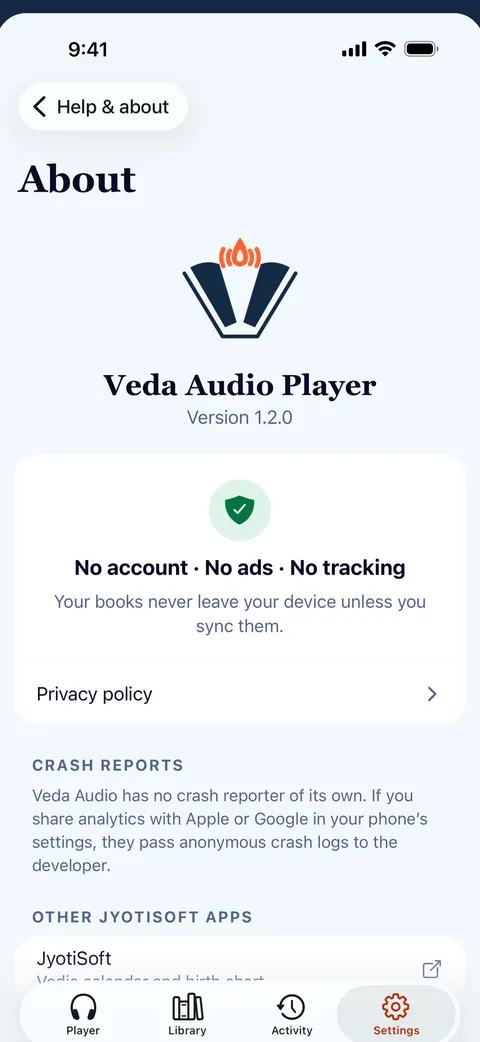
Veda Audio Player is a free audiobook player for the audio you already own: audiobooks, lectures, courses. A folder is a book, chapters come from the files, and nothing leaves your phone: no ads, no account, no tracking.
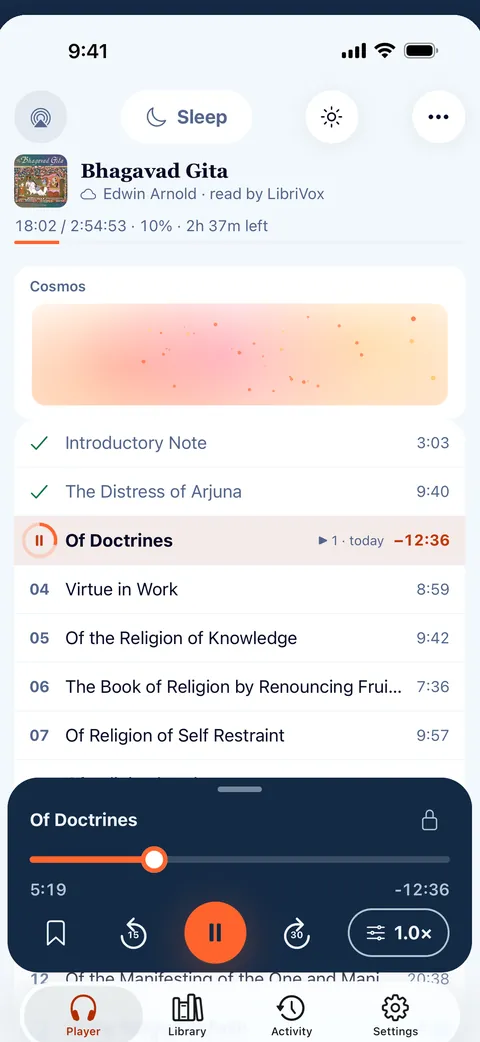
Your audiobooks, ready to play
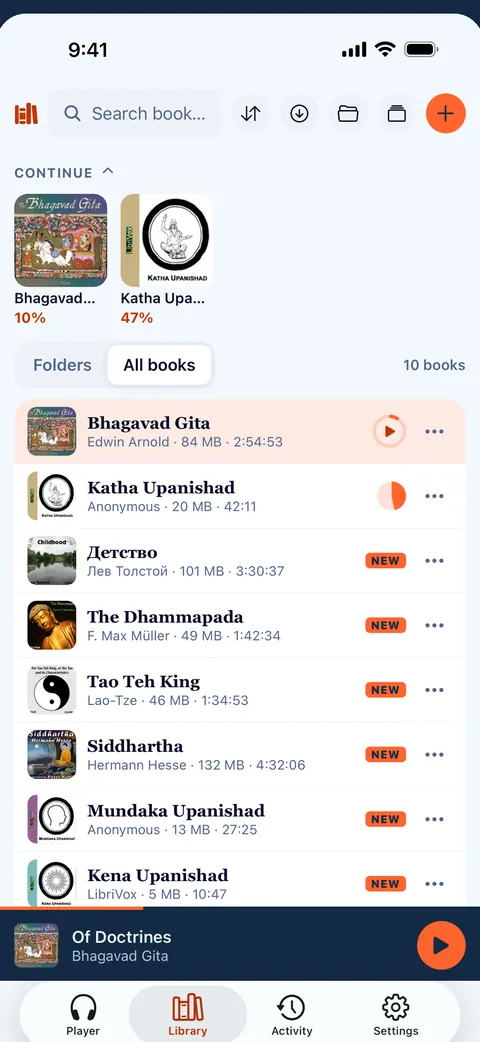
- A folder is one book, and folders inside become books of their own.
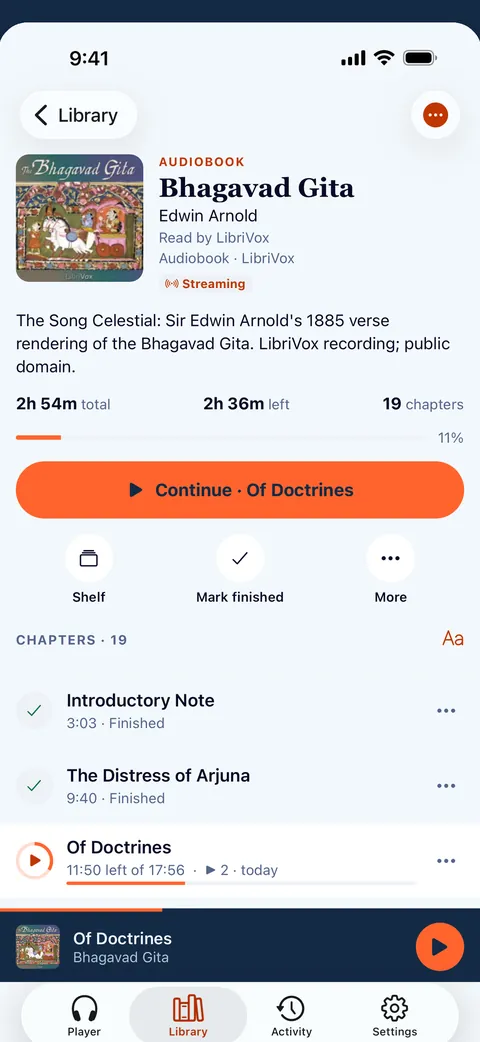
- Titles, authors, narrators, series and covers come from the files' tags. M4B, MP3 and CUE chapters are read for you.
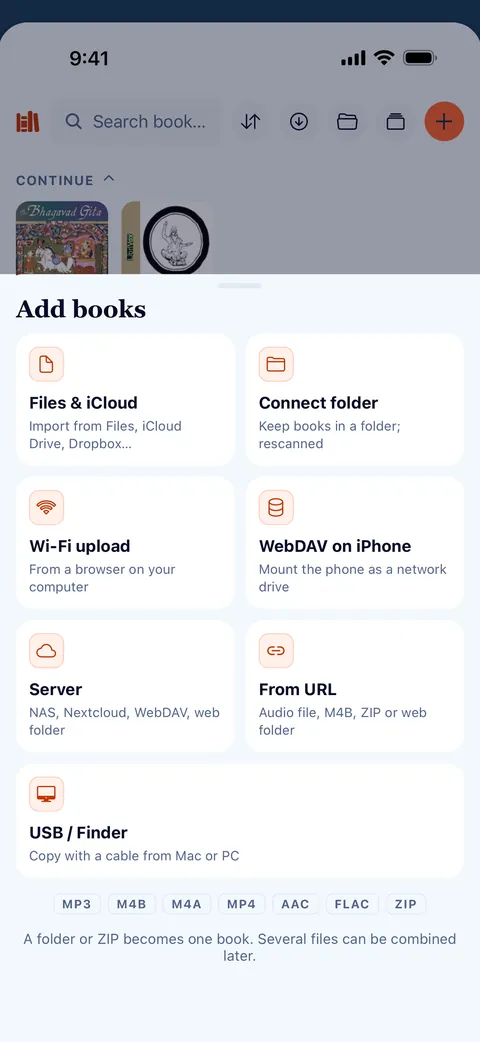
- Import from Files, the share sheet or a ZIP, or connect a folder and Veda Audio Player picks up new books by itself.
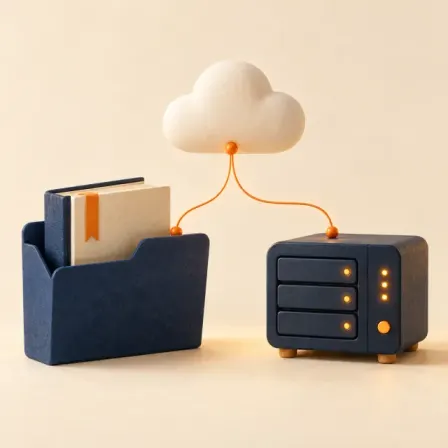
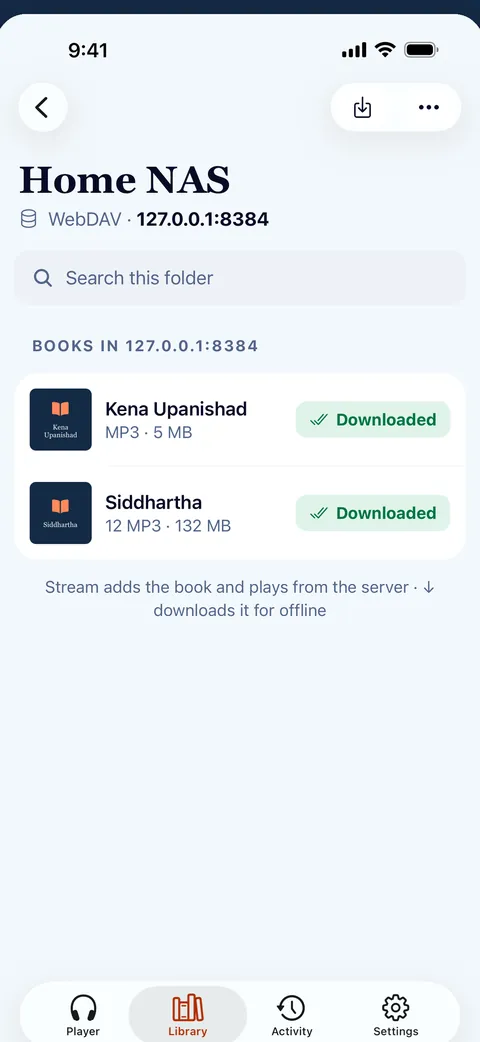
- Stream or download from your own server: WebDAV, a plain web folder or Audiobookshelf on your NAS or Nextcloud.
- Upload from your computer over Wi-Fi, or add a book from a link: an audio file, a ZIP, or a public Google Drive, Dropbox, OneDrive or Yandex Disk link.
Never lose your place
- One place per book, kept even when you move or rename the files.
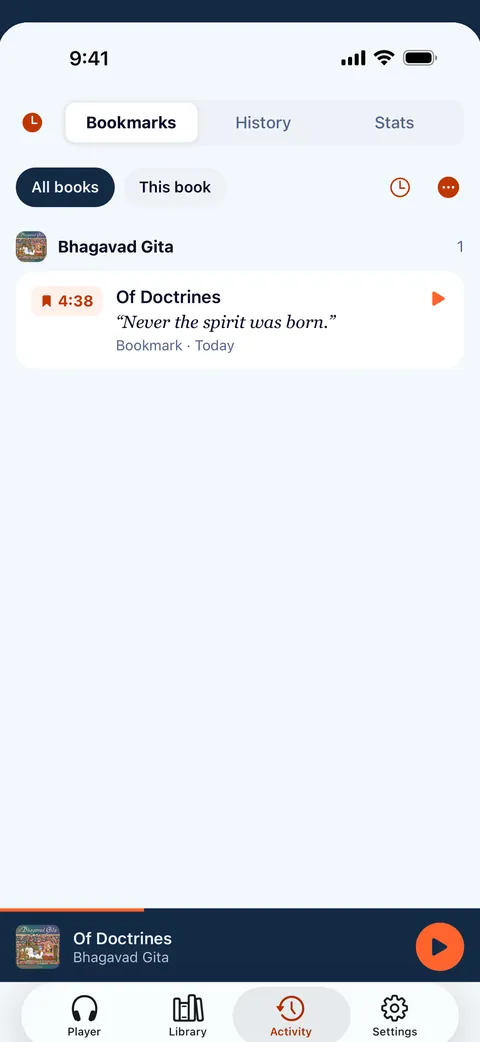
- Bookmarks with notes, a history of every jump, and undo for an accidental one.
- Smart rewind after a pause, so you pick up the thread.
- Listening stats, streaks of days in a row and a 90-day history.
New in 1.2
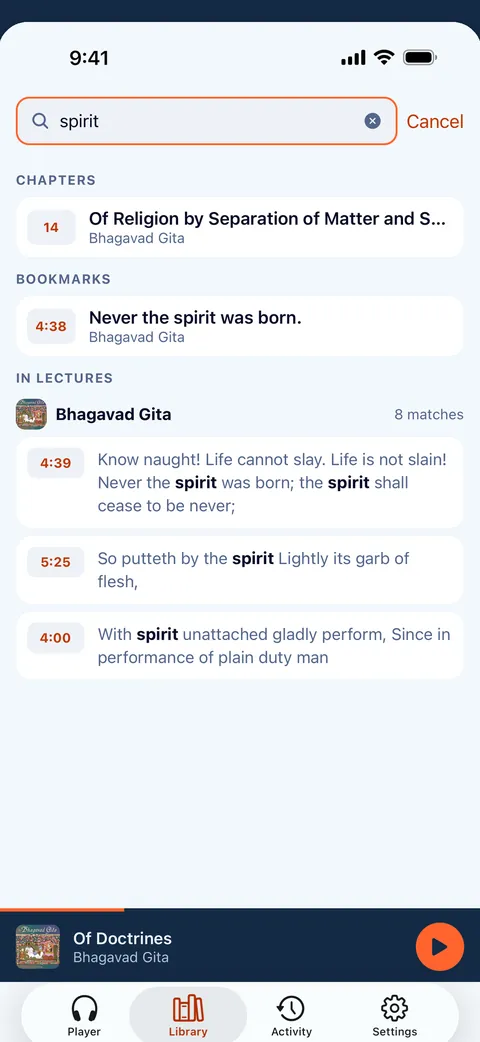
- Search inside your lectures: library search finds the words spoken in books with a transcript (.vtt, .srt or .lrc), and the transcript follows playback.
- Add books from a link or the share sheet, including public Google Drive, Dropbox and OneDrive links.
- Streamed books keep the next files, so they play on offline.
- Folders, shelves and a play queue; Stage mode and a sound visualizer.
- Turning the volume to zero pauses the book.
Who it is for
Lectures
Long recordings with chapters? Bookmark a thought with a note, search the spoken words when a transcript sits next to the audio, and read along as it plays.
Audiobooks
Books you already own, in MP3, M4B, FLAC and more. A folder is a book; titles, authors, series and covers come from the tags.
Courses and series
A folder of folders becomes a shelf of books. A queue lines up what plays next, and the speed is kept for each book.
Listen your way
- Speed from 0.5× to 3×, kept for each book.
- Volume boost up to 200%, a voice equaliser, skip silence and mono.
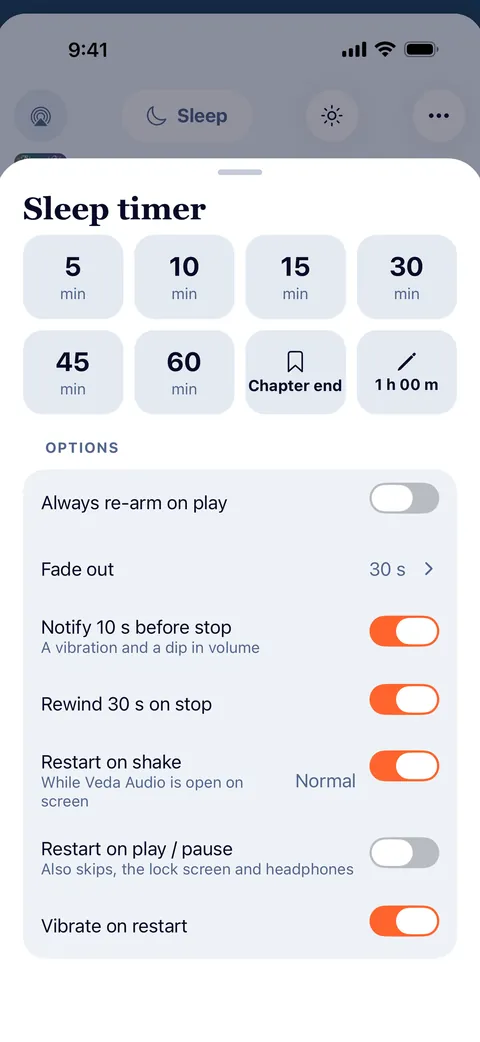
- Sleep timer: minutes or end of chapter, a gentle fade, shake to restart it.
- Repeat a chapter or loop a passage from A to B.
- Car mode with big buttons, and a controls lock for your pocket.
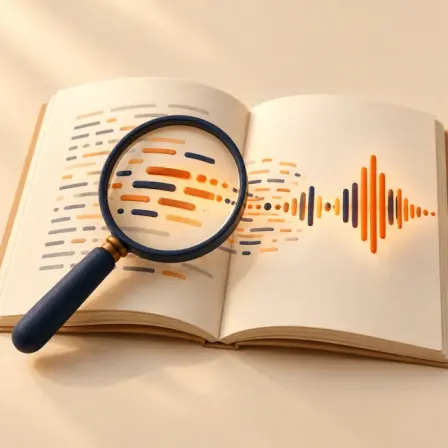
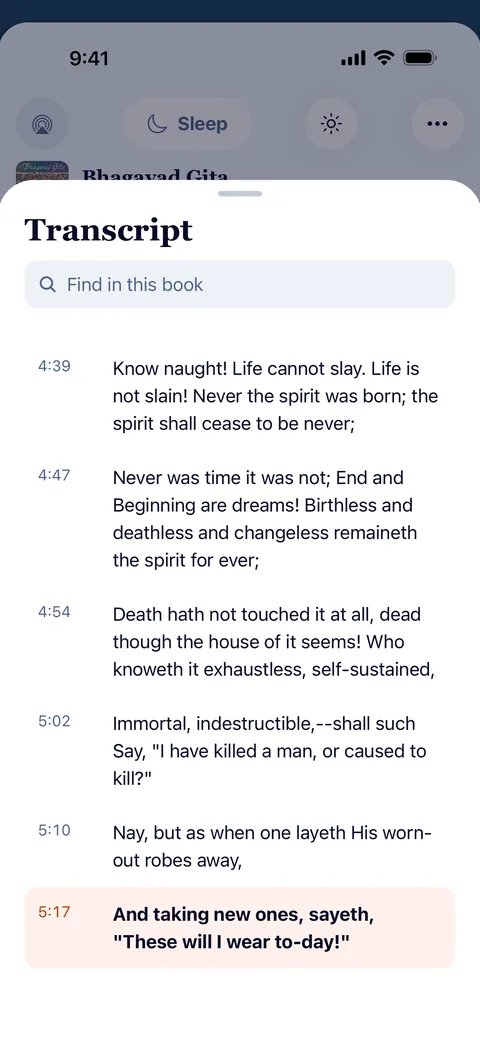
Search inside your lectures
- Library search also finds the words spoken in books that have a transcript, and plays from that moment.
- Transcripts come from .vtt, .srt or .lrc files next to the audio. Help shows how to make them on your computer.
- Read along: the transcript follows playback; tap a line to jump there.
Downloads that work
- Background downloads with pause, resume and Wi-Fi only.
- See what uses space, and remove downloads of finished books in one tap.
- Streamed books keep the next files on the device, so they play on when the connection drops.
How it works
- Add your audioPick files, connect a folder, upload over Wi-Fi, link your own server or paste a link.
- ListenSet the speed, start the sleep timer, turn the volume to zero to pause.
- It remembersEvery book keeps its own place, even if you move or rename the files.
Screens
Features
Search inside lectures
Remember a phrase but not which lecture?
Your own server
Keep the library at home and listen anywhere.
Links
Paste a link, or share it from another app.
Formats
Play the audiobooks you already own, as they are.
Lecture player
Keep recorded lessons together in Veda Audio Player: arrange course folders as shelves, resume each lecture and leave a note at a useful moment.
LibriVox audiobooks
LibriVox volunteers record books in the public domain.
Questions
Is it free?
How do I add my books?
Can I add a book from a link or Google Drive?
Why is a folder one book?
How does the sleep timer work?
Does Veda Audio Player collect my data?
Which formats does it play?
Can I search inside my lectures?
Veda Audio Player – Audiobooks
Your own M4B, MP3 & FLAC files